v5.6.2
Feature Summary
We continue improving Qflow to make your processes easier to manage, boosting your business. In this version, we redesigned key components, improved connectors, and added features that will save you time and clicks.
Discover what’s new!
New integration with ILovePDF
Three new features were added via connectors with the ILovePDF tool:
Convert Office file: select a Microsoft Office file (Word, Excel, PowerPoint, etc.) within the process and automatically convert it to PDF.
Convert image to PDF: you can select an image that is part of your process and convert it to PDF.
Merge PDF files: select multiple PDF files within the process and merge them into a single document.
These features expand your document automation capabilities within processes, without the need for additional external tools.
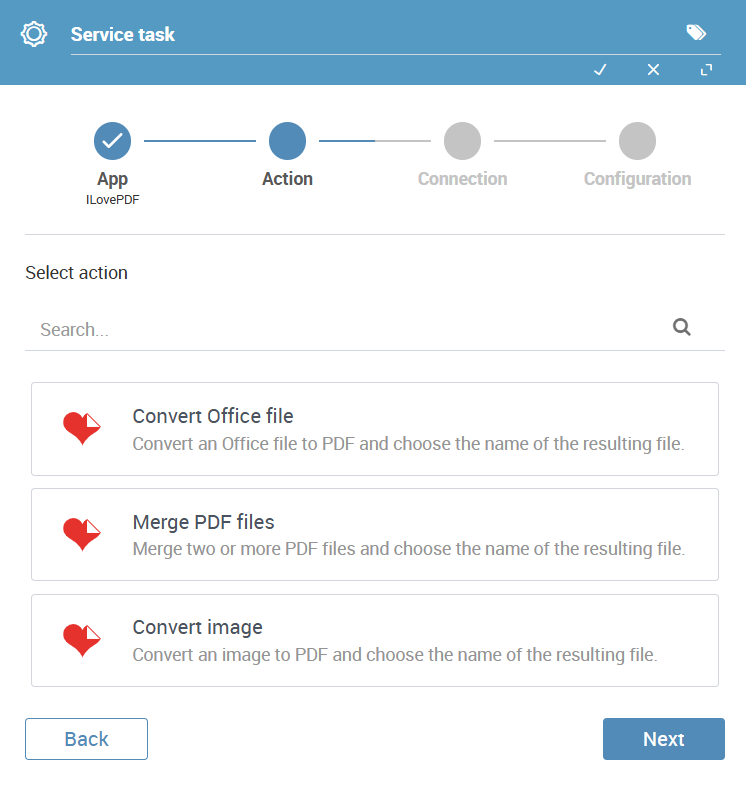
Fig. 13 Connector with ILovePDF
Improvements to the Microsoft Word connector
The Microsoft Word connector now supports a new tag format that Qflow automatically recognizes and replaces with process data or roles. Thanks to this improvement:
You no longer need to manually complete the “Values to replace tags” section in the connector’s settings panel.
You can control how complex structured data—like dates and timestamps are displayed, allowing you to include preformatted dates directly in your templates.
More details available in the Microsoft Word connector documentation.
Redesigned document-type data component
We revamped the document-type data component in Qflow Task forms to make it more practical and easier to use.
Now, you can view the current value, upload a new file, or open the selected document in a new tab (as long as the browser supports it, such as PDFs or images), directly from the component.
The handling of document-type data has been simplified. There’s no longer a need to configure data visibility and attachment visibility separately: if the data is visible on the form, it can be opened; and if its value is editable, a new document can be uploaded.
This also helps streamline forms by removing the need for the attachments table in forms that only use documents as data.

Fig. 14 Redesigned document-type data component
New connection type for Outlook connectors
You can now use your Microsoft account to schedule your Outlook meetings directly from Qflow!
From this version onward, you can connect your Qflow processes to Outlook using your Microsoft account, for a simpler and more secure integration — no complex configurations required!
Redesigned confirmation messages in Qflow Task
The style of confirmation messages shown when starting a process or responding to a task in Qflow Task has been updated.
You can now configure the message that pops up, as long as the user has the required permissions. This allows you to tailor messages, using process data and information to enhance the user experience.
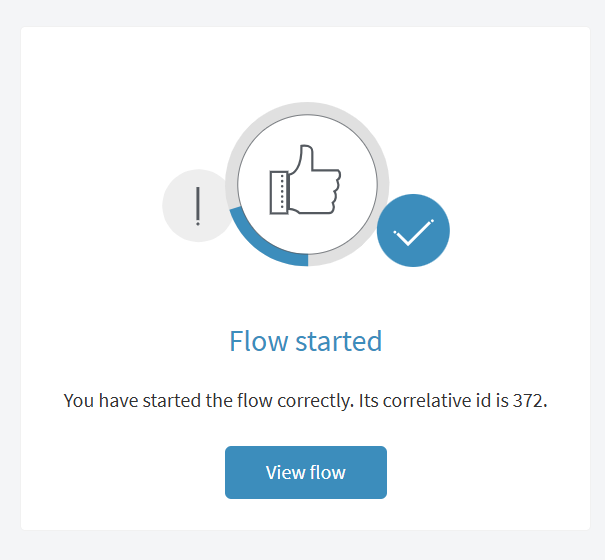
Fig. 15 Flow start confirmation
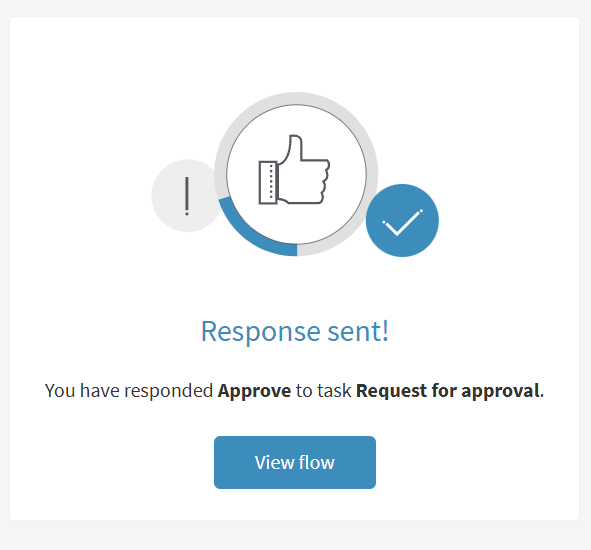
Fig. 16 Task response confirmation
Bug fixes and improvements
Qflow 5.6.2 includes minor enhancements and bug fixes to optimize the user experience on the platform:
Changes to default values: Adjustments were made to default settings.